Table of contents
The main types of technology used in sensory rooms include interactive lighting, sound and music systems, projection and visual effects, tactile and vibration equipment, calming seating, and control technology that adjusts the environment to individual needs. In effective sensory room design, technology is not added for novelty; it is selected to regulate arousal, support attention, encourage communication, and create safe, meaningful sensory experiences for autistic people and others with sensory processing differences.
Across home, school, and therapy settings, the most successful sensory rooms use technology in a purposeful way. Experienced sensory practitioners look beyond eye-catching products and focus on how each item affects the nervous system, how easily it can be adapted, and whether it supports the user’s goals rather than overwhelming them.
Highlights
Provide a concise 40–60 word summary of the topic that directly answers the question. This should be in the form of 3-5 bullet points.
- Sensory room technology usually includes lighting, sound, projection, tactile feedback, movement, and environmental control systems.
- The best setups match the person’s sensory profile, communication style, and regulation needs rather than using every available device.
- Autism, ADHD, dementia, and sensory processing disorder often require different intensity levels, timing, and room layout choices.
- Simple technology used well is often more effective than complex equipment used without a clear plan.
What is sensory room technology?
Sensory room technology is any equipment or digital system used to change sensory input in a controlled, intentional way. That may involve light, sound, movement, touch, vibration, visual tracking, or cause-and-effect interaction. The aim is usually one or more of the following: calming the user, improving attention, supporting emotional regulation, encouraging exploration, or building communication and learning skills.
This definition matters because many rooms are filled with products that look impressive but do not function therapeutically. A colour-changing lamp is not automatically sensory room technology unless it is chosen and used to meet a specific need. For one child, a soft visual glow may reduce anxiety during transitions; for another, the same light may be distracting and should be dimmed or removed.
Well-designed sensory rooms also recognise that sensory input is cumulative. Bright lighting, loud music, moving projections, vibrating seating, and mirror reflections can quickly become too much when activated together. A carefully planned room allows technology to be layered gradually, with clear options to reduce stimulation the moment signs of overload appear.
Interactive lighting systems
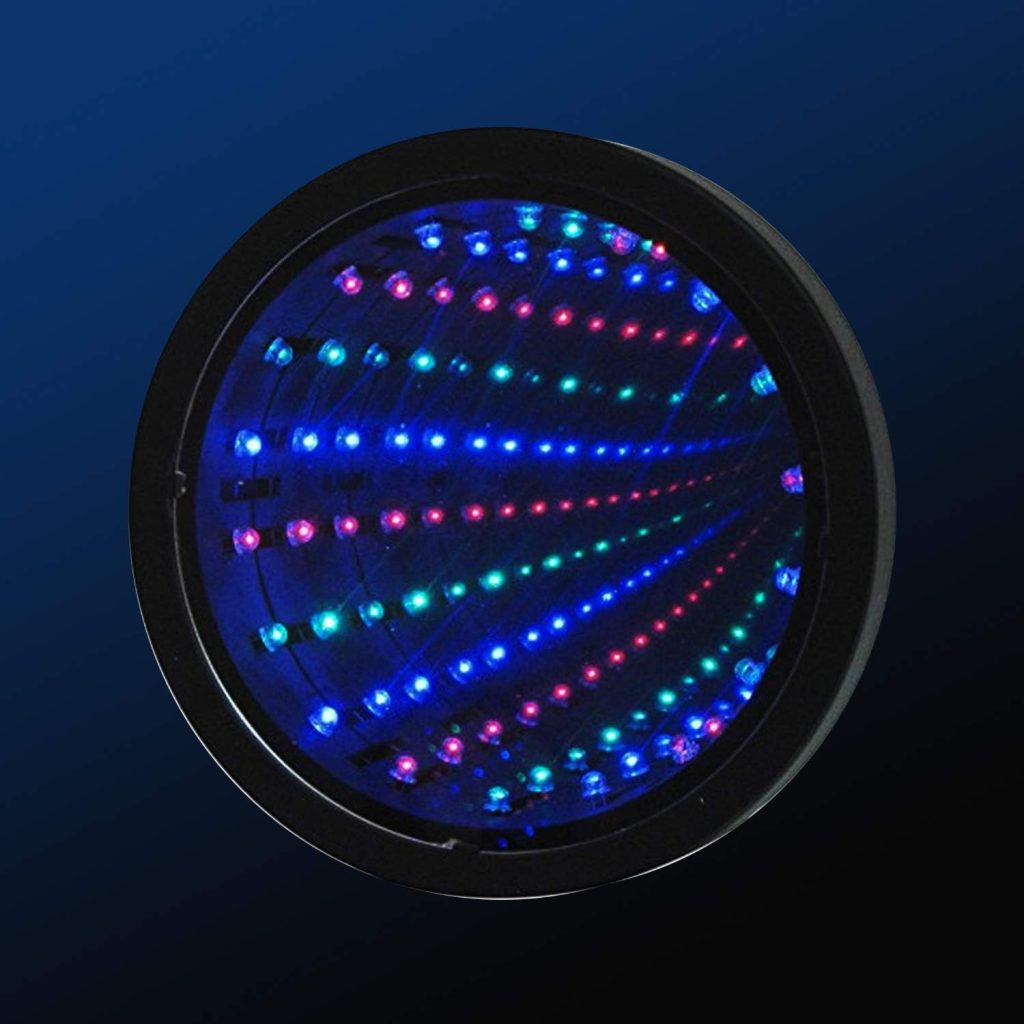
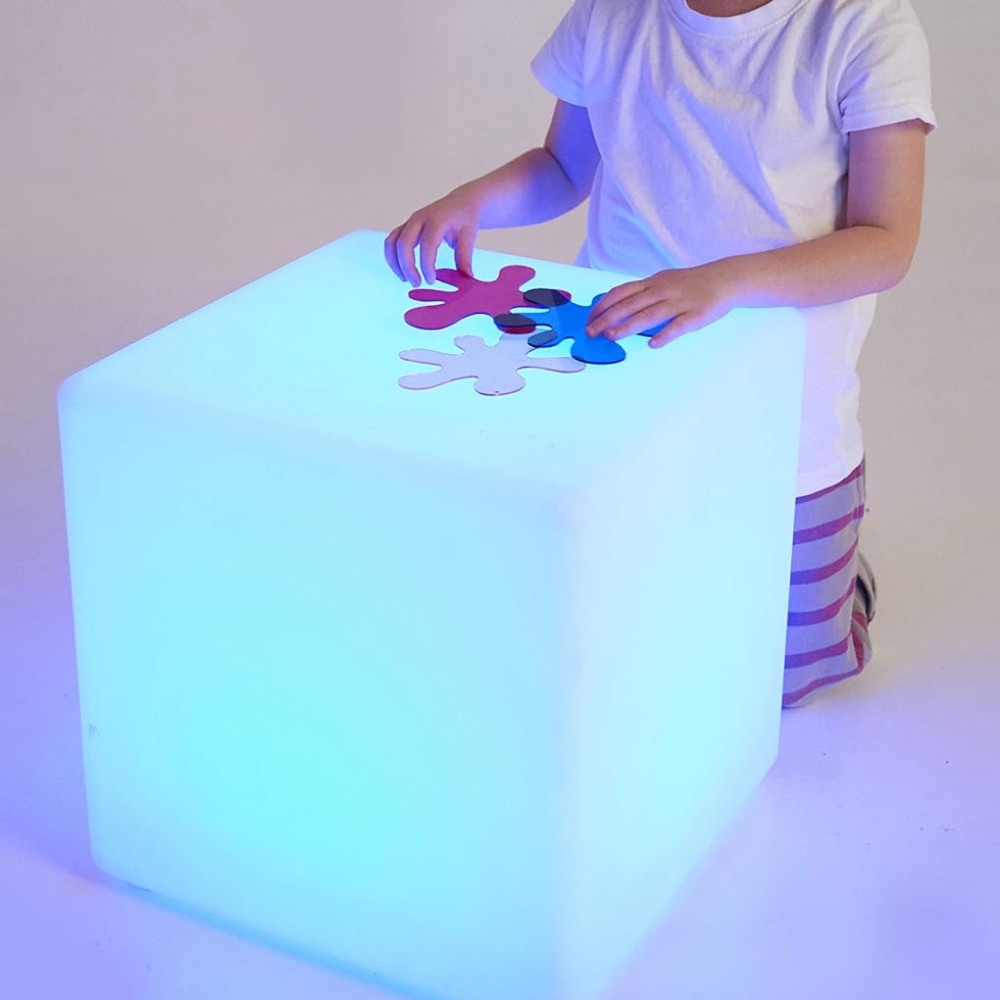
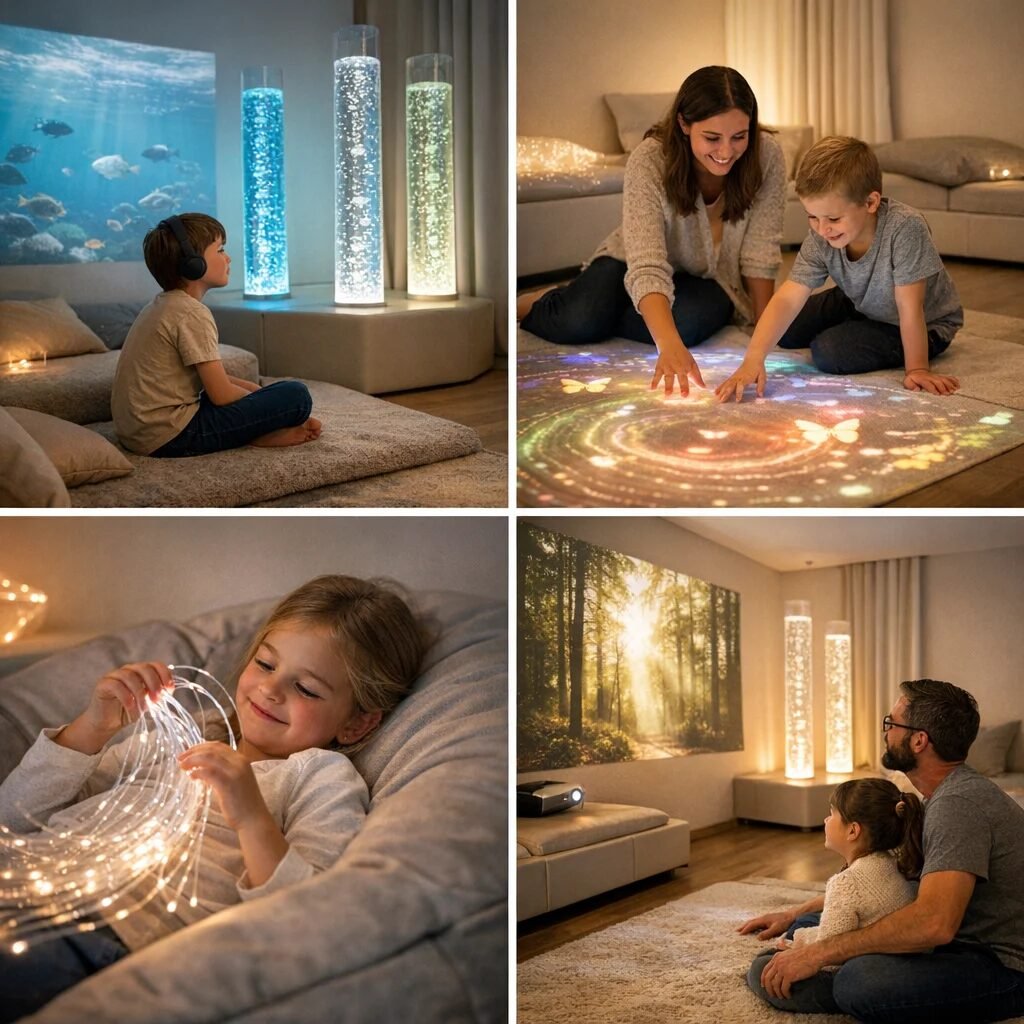
Lighting is often the most recognisable sensory room technology, and for good reason. Light changes mood quickly, helps define zones within the room, and can be used for both alerting and calming purposes. Common options include bubble tubes, fibre optic tails, LED wall panels, colour-changing strips, illuminated waterless features, and projected star or wave effects.
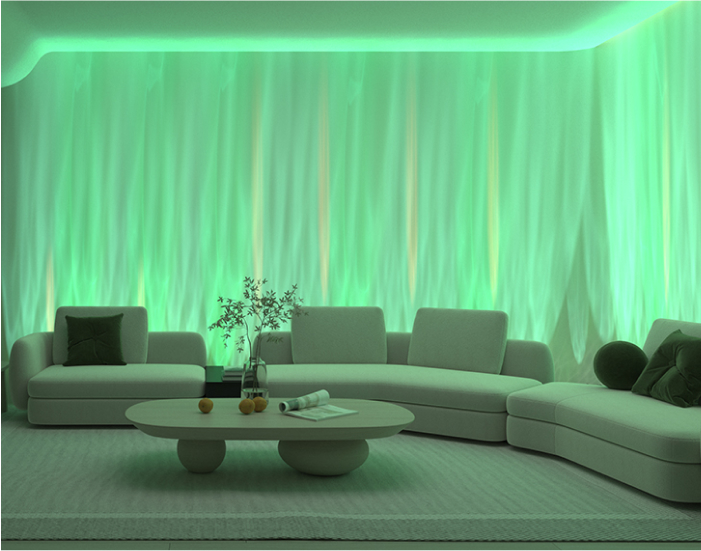
For autistic users and individuals with sensory processing disorder, lighting needs careful control. Flashing, strobing, or rapidly changing colours can trigger distress, especially in users who are visually sensitive. Soft transitions, dimmable output, and predictable colour choices are usually more effective. Cool blue or green tones often support calming, while brighter whites or changing colours may help short bursts of engagement when a user is under-responsive.
In practice, a bubble tube is often used as a visual anchor. A therapist might position it in a low-distraction corner with soft matting and use it during regulation time before communication work begins. At home, parents often get more consistent results from one controllable visual feature, such as sensory bubble tubes, than from several scattered lights competing for attention.
A common mistake is placing strong LED strips around every edge of the room. That may make the room look immersive, but for a child with visual hypersensitivity it can feel agitating rather than soothing. A better setup is to create one focal light source, one secondary low-level ambient light, and blackout or dimming options to keep visual demand manageable.
Practical lighting setup advice
Start by deciding whether the room’s main purpose is calming, alerting, or flexible use. Then choose one primary light feature, such as a tube, fibre optics, or a projected effect. Add dimmable background lighting next, and test the room at the lowest effective brightness before increasing intensity.
It also helps to place switches or controls outside the immediate user zone. If a child becomes dysregulated by sudden colour changes, staff can reduce visual input without entering the child’s personal space too quickly. More detailed planning around adapting equipment to different users can be explored through adapting sensory stimulation for different needs and abilities.
Sound, music, and audio technology
Audio technology in sensory rooms ranges from simple speakers to immersive sound systems, musical panels, sound cushions, and voice-reactive devices. Sound can organise behaviour, reduce external noise, support routine, and provide comforting predictability. It can also be highly intrusive if chosen poorly.
For children with ADHD, sound technology may be used to structure transitions and improve sustained attention. In dementia care, familiar music often supports memory, emotional security, and orientation. Research published by the Alzheimer’s Society shows that music can help improve mood and wellbeing for people living with dementia when used appropriately through personalised music approaches. In autism support, however, generic background music is not always helpful; some users need silence or very specific frequencies and rhythms.
Effective audio setups prioritise control. Volume should be adjustable in small increments, and speakers should not blast sound directly at the user. Directional placement matters. A gentle sound source from one side of the room creates a more tolerable auditory field than ceiling speakers spread across a reflective, echoing space. Soft furnishings also reduce harsh reverberation, which is a frequent but overlooked problem in school sensory rooms.
Music systems work best when paired with routine. For example, the same calming playlist can be introduced during post-lunch regulation every day, helping the user anticipate what comes next. Tools such as Bluetooth speakers for sensory rooms can be useful, but they should be tested for sound clarity at low volumes rather than chosen for power alone.
Projection and visual effects technology
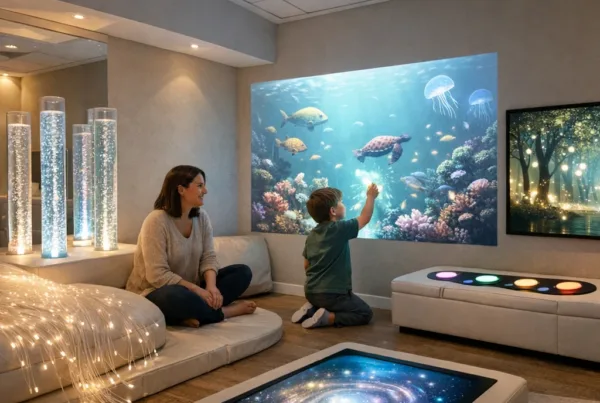
Projectors transform walls, ceilings, or floors into immersive visual environments. Common uses include moving water scenes, starscapes, nature visuals, seasonal themes, and interactive floor projections that respond to movement. This technology is especially useful when a room needs to change function without major physical redesign.
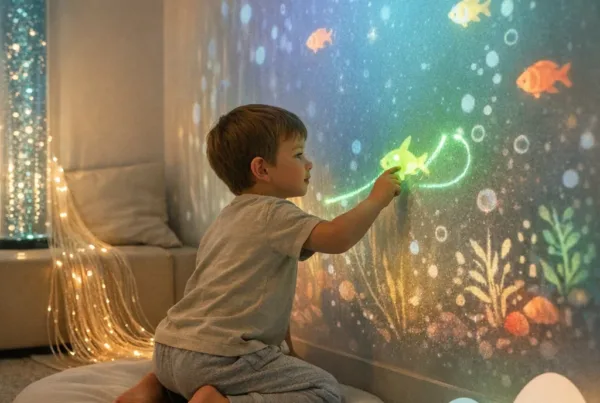
There is an important distinction between passive and interactive projection. Passive projection provides calming or themed visual input with no action required from the user. Interactive projection responds when the user steps, reaches, or moves, making it useful for motor planning, engagement, and cause-and-effect learning. In school settings, interactive projection often works well for pupils who avoid table-based tasks but respond to movement-led learning.
That said, projection is one of the most misused sensory room technologies. Busy patterns, rapid motion, or bright imagery can increase disorientation, particularly for users with vestibular sensitivity, epilepsy concerns, or visual overload. A poor setup might combine a spinning projector with mirrored walls and dynamic coloured lighting, creating conflict between calming goals and stimulating visuals.
A better approach is to match the projection speed and scale to the user. Slow-moving cloud effects on a ceiling may support rest and breathing exercises. Interactive floor leaves or ripples can motivate movement breaks for children with ADHD. For many families trying sensory tools at home, simple sensory projector lights offer a practical starting point before investing in larger systems.
Tactile, vibration, and cause-and-effect technology
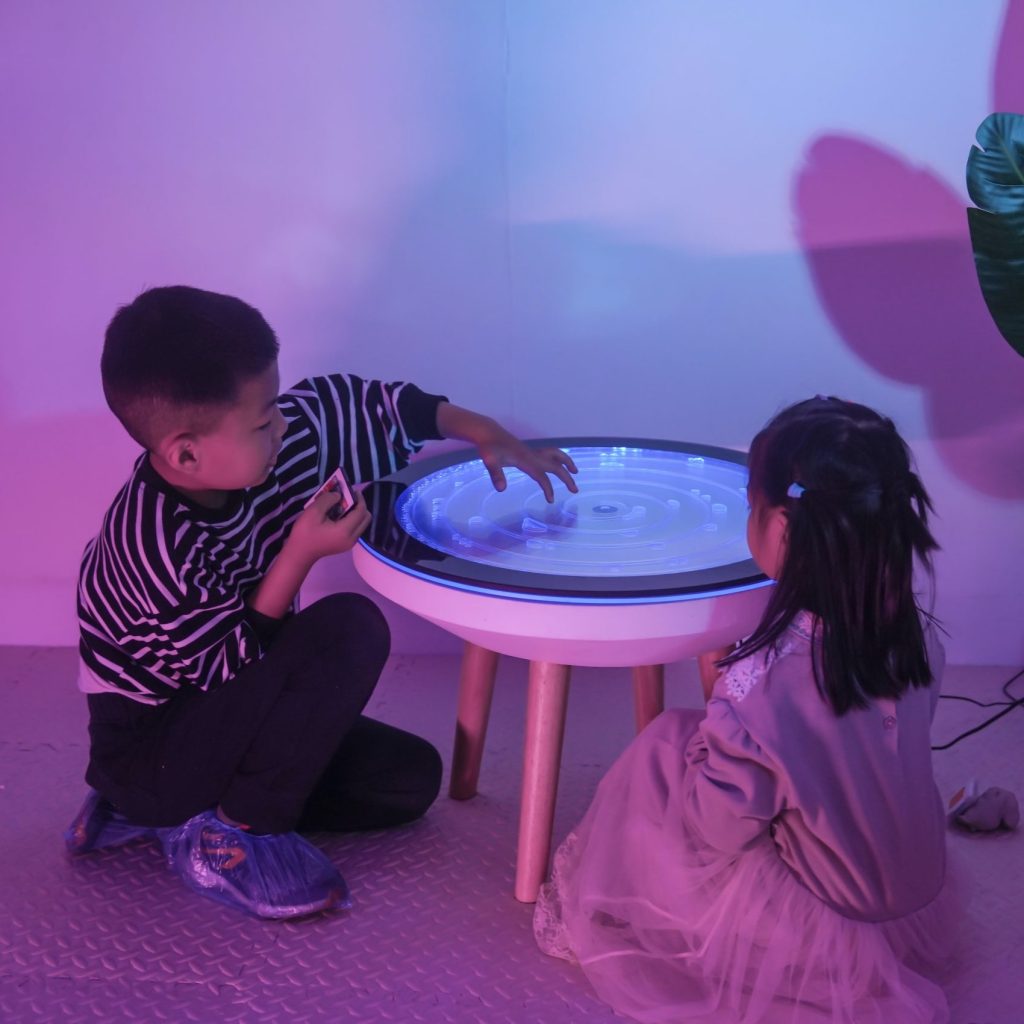
Sensory rooms are often associated with visual features, but tactile and proprioceptive technologies are just as valuable. These include vibrating cushions, interactive tactile panels, textured illuminated boards, switch-activated devices, and pressure-based feedback tools. They are particularly useful for users who seek touch input, need help understanding cause and effect, or benefit from body-based regulation.
Cause-and-effect technology is especially powerful for children and adults with complex needs. A large accessible switch that activates lights, music, or bubbles teaches that an action produces a result. This supports agency, communication, and early learning. In therapy settings, switch access can be used to build turn-taking, anticipation, and intentional movement in a way that feels motivating rather than instructional.
Vibration must be introduced carefully. Some users find it deeply calming, particularly when delivered through a chair pad or floor cushion. Others experience it as invasive or irritating. Short trials are essential. In one effective setup, a therapist may offer a vibrating seat pad for 30 seconds during a regulation session, observe breathing and body tension, and only continue if the response is clearly positive.
Products such as vibrating sensory cushions or tactile switch devices can support home use, but they should never be treated as universally calming. The same applies to materials with sequins, brushes, or rubber textures: a sensory seeker may love them, while a tactile-defensive user may pull away immediately.
Seating, pressure, and movement-based technology
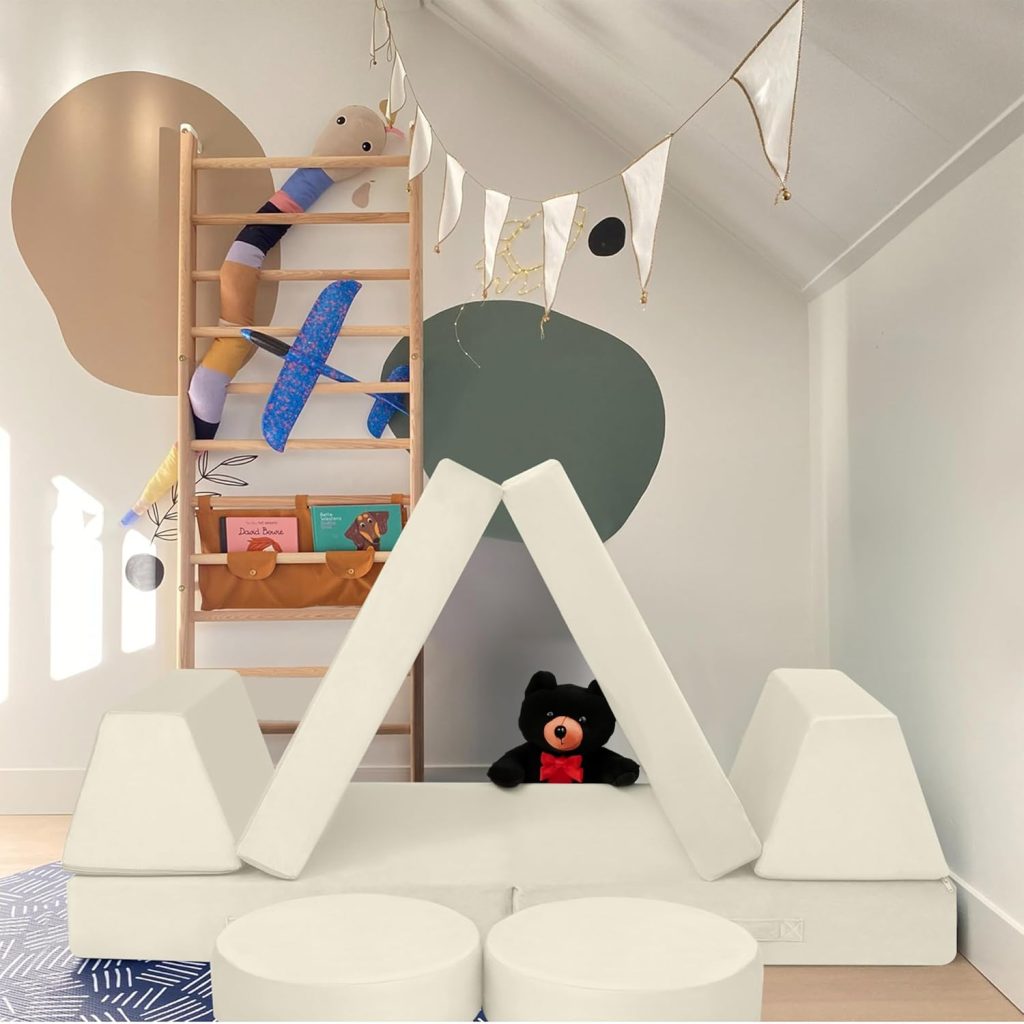
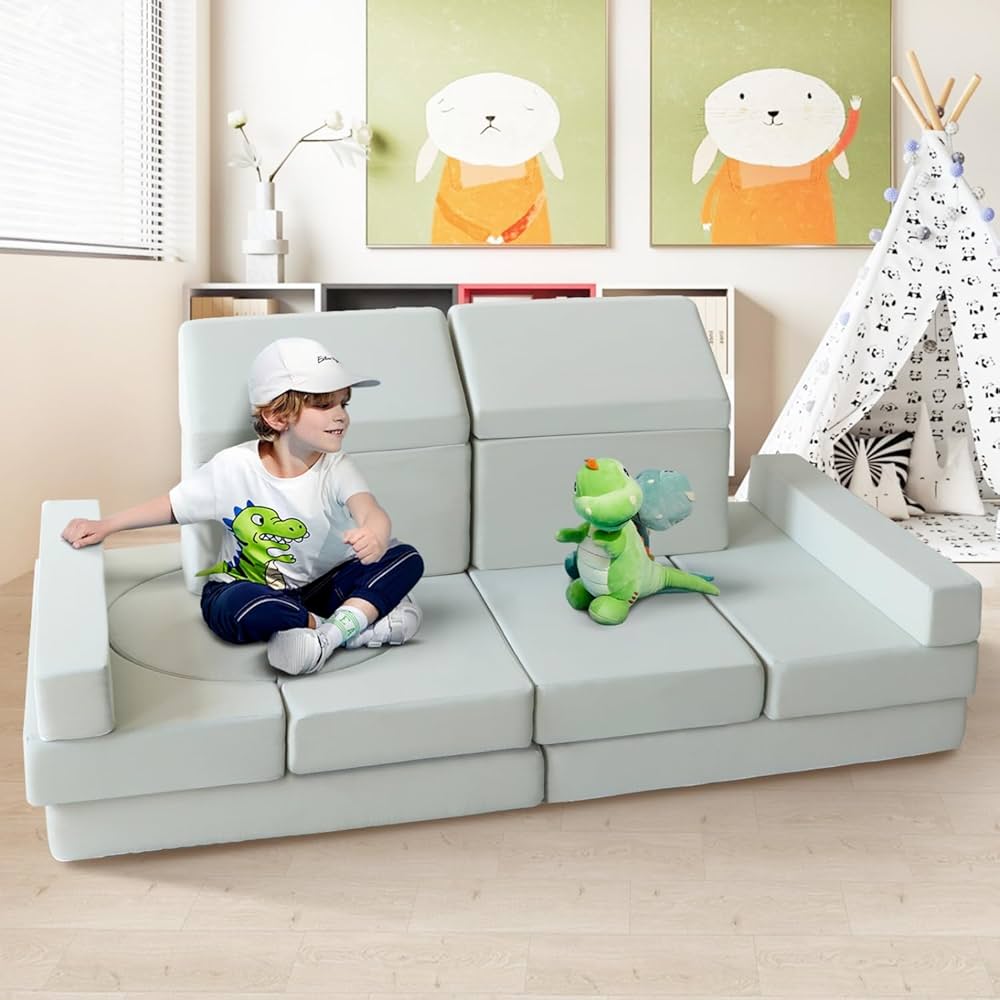
Some of the most useful sensory room equipment is not digital in the usual sense, but it still functions as sensory technology because it changes what the body feels and how the nervous system responds. This includes rocking chairs, cocoon seating, beanbags, crash mats, gliders, sensory swings, and weighted supports. These pieces provide vestibular, proprioceptive, and deep-pressure input that visual equipment alone cannot achieve.
For calming work, enclosed seating often helps create a sense of safety. A child overwhelmed by a busy classroom may settle more quickly in a cocoon chair paired with low light and minimal sound than in an open beanbag under a projector. By contrast, a child who is under-aroused may benefit more from movement equipment before being asked to focus. The difference between calming and organising input is critical when choosing room technology.
Weighted tools can also complement room-based equipment. According to the NHS, sensory differences can significantly affect daily functioning for autistic people, including responses to sound, light, touch, and movement in everyday environments. That is why a flexible room often includes both active and calming options, such as a swing for movement breaks and weighted blankets for rest periods, always used according to safety guidance and individual tolerance.
A frequent design mistake is choosing oversized seating that dominates the room and limits circulation. Users then have fewer clear paths to move, retreat, or transition. A better solution is to define one movement zone, one retreat zone, and one interactive zone. This creates structure and reduces confusion, especially for school and therapy rooms used by multiple people throughout the day.
Control systems and smart technology
Control systems are often the difference between a professional sensory room and a frustrating one. These include wall-mounted controllers, remote controls, tablet interfaces, smart plugs, programmable scenes, and switch-access systems that let users or staff activate equipment quickly. The real benefit is not convenience alone; it is consistency, safety, and responsiveness.
A well-programmed room may have preset modes such as calm, focus, movement, or story time. In a school, a teaching assistant can activate the calm scene in seconds rather than adjusting several devices individually while a child is already dysregulated. In therapy, a practitioner can reduce sound and light simultaneously if signs of overload appear. This reduces transition time and protects the therapeutic value of the space.
Control technology also improves accessibility. Users with limited mobility may operate room features through large switches, touchscreens, or simplified remotes. For children working on communication, requesting “lights on” or pressing a symbol-linked button can become part of a meaningful interaction. Sensory rooms become far more inclusive when the user can influence the environment rather than simply being placed in it.
One practical principle is to avoid systems that are too complex for staff or family members to use confidently. If no one understands the controller, the room will be underused or used in the same limited way every time. Simpler systems with labelled presets tend to work better than highly technical setups with dozens of hidden menus.
How to choose the right technology for a sensory room
The right technology depends on the person first and the product second. Autism, ADHD, dementia, sensory processing disorder, learning disability, and trauma-related needs can all influence how a room should function. A calming room for an autistic teenager with sound sensitivity will look very different from an engagement-focused room for an older adult with dementia.
A useful comparison is high-stimulation versus low-stimulation design. High-stimulation rooms often include bright changing lights, active projections, music, and interactive movement tools. They can work well for short, purposeful sessions with users who seek sensory input. Low-stimulation rooms use fewer devices, softer tones, reduced clutter, and stronger predictability. These are often more effective for anxiety, shutdown recovery, and sensory overwhelm.
Step-by-step process for selecting technology
First, identify the room’s primary purpose. Is it for calming after overload, developing interaction, supporting movement breaks, or offering multi-user flexibility? Without a clear purpose, technology choices become inconsistent.
Second, build a sensory profile. Note whether the intended user tends to seek or avoid sound, light, movement, touch, and pressure. Observe real-world behaviour rather than relying on assumptions. A child who constantly watches spinning objects, for example, may enjoy visual motion, but that does not automatically mean they can tolerate bright projections in a small dark room.
Third, choose one item from each relevant category rather than several from one category. An effective starter room might include one controllable light feature, one calming seating option, one sound source, and one tactile or cause-and-effect element. This creates variety without overload.
Fourth, test, record, and adjust. Use short sessions and note what happens to breathing, posture, vocalisation, focus, and recovery time. If the room is used in education, keeping a simple observation log often reveals patterns quickly. Guidance on planning environments around outcomes can also be supported by resources on creating the ideal sensory room layout.
Common mistakes when using technology in sensory rooms
The most common mistake is assuming that more technology creates a better sensory room. In reality, over-equipped rooms are often the least effective. Too many active devices divide attention, increase maintenance problems, and make it harder to identify what is actually helping.
Another issue is failing to consider individual sensory thresholds. A room may be described as calming because it has blue lights and soft music, yet it may still be intolerable for someone who is sensitive to hums, reflected light, or certain low frequencies. Personalisation always matters more than appearance.
Positioning is another overlooked problem. Bubble tubes placed near exits can block transitions. Speakers mounted too high can create diffuse, hard-to-control sound. Swings installed in visually busy areas may be less effective because the user cannot settle. Every item should be placed according to how the body will move through and use the space.
Maintenance should never be an afterthought. Faulty remotes, flickering LEDs, broken switches, and noisy fans can make a room unusable. Good sensory rooms include easy cleaning routines, regular safety checks, and backup low-tech options so the room still functions if a device is unavailable.
Making technology work in home, school, and therapy environments
At home, sensory room technology usually needs to be compact, adaptable, and affordable. A corner setup with dimmable lighting, a weighted support, a small speaker, and one tactile item can be highly effective when it is used consistently. Families often benefit most from technology that is quick to start and quick to switch off, especially during difficult moments.
In schools, durability and staff usability become more important. Equipment should withstand repeated use, meet safety requirements, and work for more than one pupil profile. Clear routines, simple wall controls, and zoning are essential. A room that takes ten minutes to set up rarely gets used at the moment it is needed most.
Therapy settings require the highest level of intentionality. Here, technology should align with specific therapeutic goals, whether that means co-regulation, motor planning, communication, or graded exposure to sensory input. Practitioners tend to get the best results when they change one variable at a time and track the user’s response rather than activating the full room experience at once.
Across all settings, the strongest rooms are not necessarily the most expensive. They are the ones where every technology choice has a job to do, where staff and families understand how to use the equipment, and where the person’s nervous system remains the central guide.
Frequently Asked Questions
What technology is most commonly used in sensory rooms?
The most common sensory room technologies are LED lighting, bubble tubes, fibre optics, projectors, music systems, tactile panels, vibrating cushions, and interactive switches. These tools are used to provide calming, alerting, or cause-and-effect sensory input depending on the user’s needs.
What is the best sensory room technology for autism?
The best technology for autism depends on the individual’s sensory profile. Many autistic users benefit from controllable lighting, low-volume sound, deep-pressure seating, and predictable cause-and-effect equipment rather than fast-changing, highly stimulating devices.
Are sensory rooms better with more equipment?
No, more equipment does not automatically make a sensory room better. A smaller number of well-chosen, adjustable devices is usually more effective because it reduces overload and makes it easier to identify what helps the user regulate.
How should sensory room technology be introduced?
Technology should be introduced gradually, one element at a time. Start with the lowest intensity setting, observe the user’s body language and emotional state, and only add more stimulation if the response is calm, engaged, or clearly positive.
Can sensory room technology help people with dementia?
Yes, sensory room technology can support people with dementia, especially through familiar music, gentle lighting, tactile objects, and calming visual scenes. The most effective setups focus on comfort, recognition, and reducing distress rather than providing intense stimulation.
What are the biggest mistakes in sensory room design?
The biggest mistakes include using too many active devices at once, ignoring the user’s sensory triggers, choosing style over function, and failing to provide easy controls. Poor layout and lack of maintenance also reduce the room’s usefulness.
Can a sensory room work on a small budget?
Yes, a sensory room can work very well on a small budget. One dimmable light source, calming seating, a simple audio option, and a tactile or weighted item can create a valuable sensory space when selected and used with purpose.